Fotor Collage3.0
Publisher Description
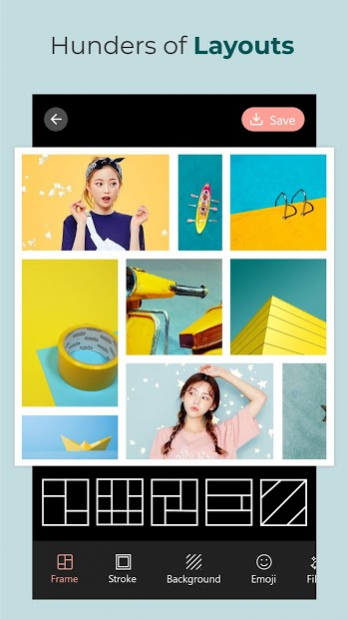
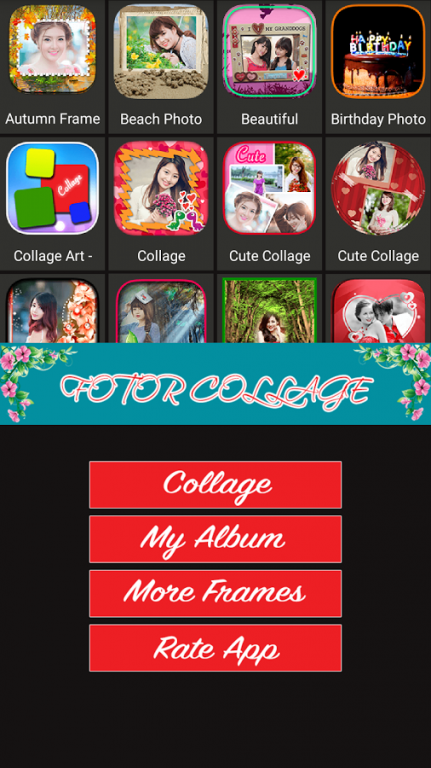
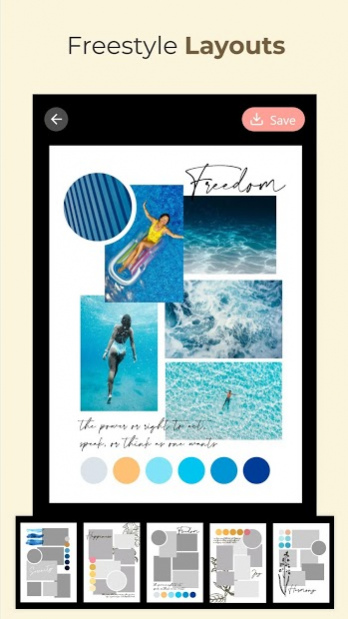
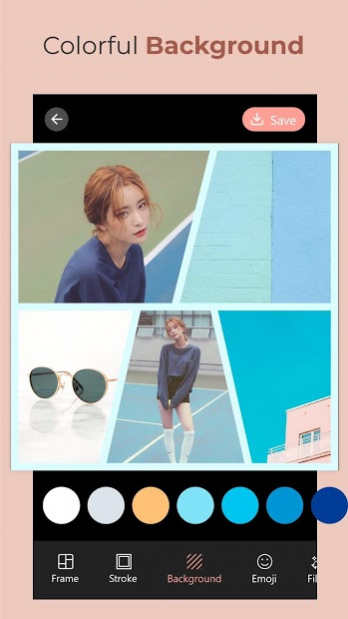
Fotor Collage is the latest photo collage maker, very professional, total FREE 100%.
Fotor Collage is the best collage maker and photo editor that helps you combine one or multiple photos with various frame layout and grid frames then share them at a time!
Fotor Collage with a friendly interface, simple design, easy to use: with just a few simple steps as select frame, select images, rotate, zoom in, zoom out, move, save that you have a extremely artistic photographs.
Application Fotor Collage helps you share photos with friends via popular social networks: Facebook, Instagram, Twitter, Picasa, G+, Email, SMS, Zalo, v.v…
In addition Fotor Collage also allows you to set picture as live wallpaper on app with meteor shower effects and falling star effects extremely beautiful and romantic
FEATURES:
- Over 200 art frames, gird frames, love photo frames very beautiful
- Easy to collage and make photo grid
- Choose the images from gallery or take picture from your camera
- Move, zoom in, zoom out, pan around the image to fit the frame
- Auto save photos to sdcard/Picture_PictureCollageArt/ and show them in gallery
- Share photo via social networks : Facebook, Instagram, Twitter, Picasa, G+, Email, SMS, Zalo, v.v…
- Set photo as live wallpaper with falling stars and meteor shower effects
- Totally FREE 100%, NO SMS
Just download Fotor Collage to have moments of relax extremely fun and exciting!
About Fotor Collage
The company that develops Fotor Collage is G3-TopVN. The latest version released by its developer is 3.0. This app was rated by 1 users of our site and has an average rating of 3.0.
To install Fotor Collage on your Android device, just click the green Continue To App button above to start the installation process. The app is listed on our website since 2020-12-30 and was downloaded 13 times. We have already checked if the download link is safe, however for your own protection we recommend that you scan the downloaded app with your antivirus. Your antivirus may detect the Fotor Collage as malware as malware if the download link to com.fotor.collage is broken.
How to install Fotor Collage on your Android device:
- Click on the Continue To App button on our website. This will redirect you to Google Play.
- Once the Fotor Collage is shown in the Google Play listing of your Android device, you can start its download and installation. Tap on the Install button located below the search bar and to the right of the app icon.
- A pop-up window with the permissions required by Fotor Collage will be shown. Click on Accept to continue the process.
- Fotor Collage will be downloaded onto your device, displaying a progress. Once the download completes, the installation will start and you'll get a notification after the installation is finished.
Program Details
System requirements
Download information
Pricing
Version History
version 3.0
posted on 2020-12-30
version 1.5
posted on 2020-10-29
- Sky editing
- Photo-in-picture effects
- New filters
- Add more wallpapers
- Mirror photo effect
- Photo blending effects
- Motion effects
- Portrait
- Drip photo editor
- Double exposure photo editor
- Spiral photo editor
- Tattoo sticker
Fixed some error
version 1.3
posted on 2020-07-27
Version 1.2
- Change the whole UI, UX
- Minor bug fixes
- Increase the stability of the application
- Add many types of frames and backgrounds
